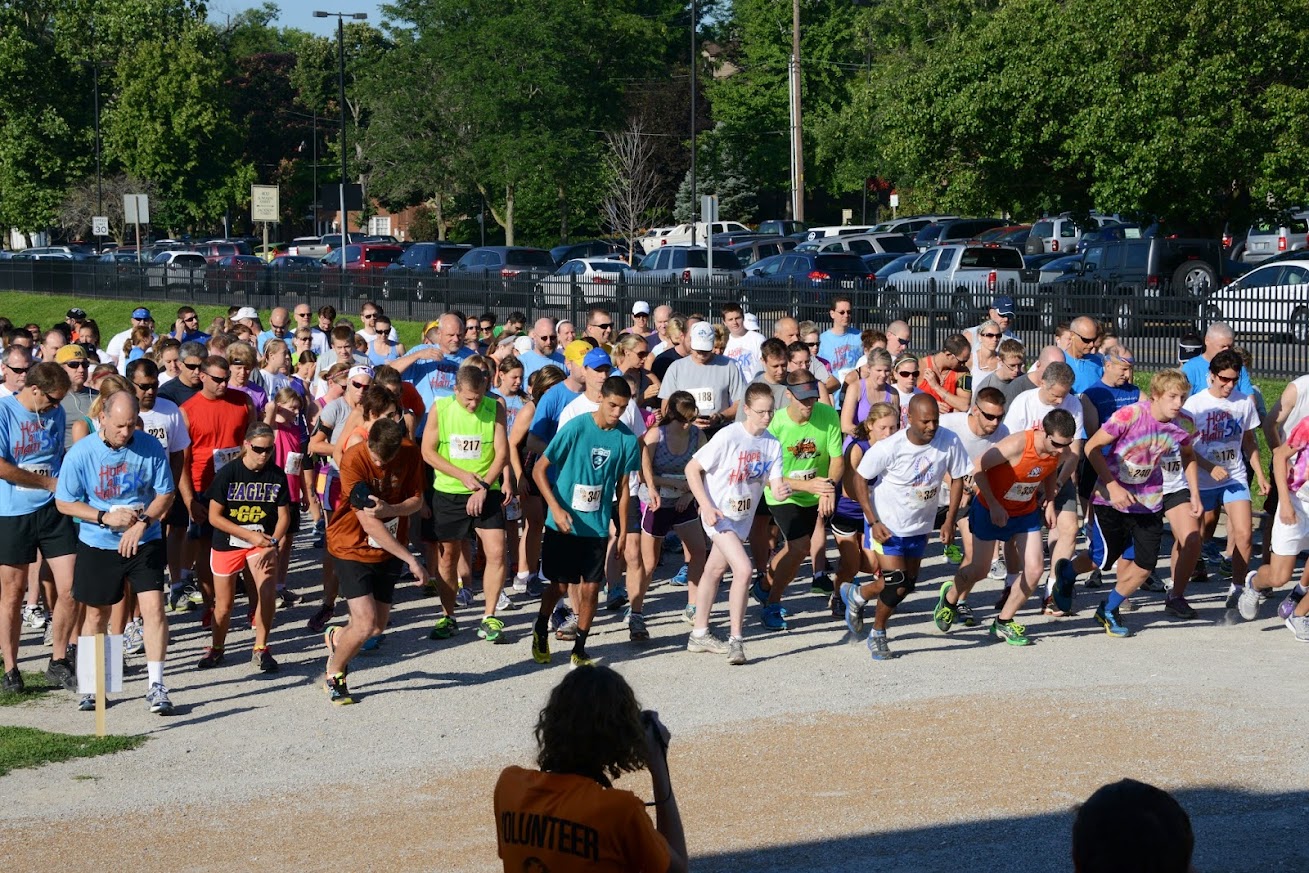
From Idea to
Finish Line
Six steps. One platform. Everything you need to take a race from a blank page to a results page.
Create Your Event
Sign up and fill in your race details in minutes. Set the date, location, distances, and your event story.
- Set event name, date, and location
- Choose race distances and categories
- Add course description and photos
- Configure charity or fundraising goals
Customize Registration
Build the registration flow your participants will experience — pricing, waivers, custom questions, and early bird windows.
- Create categories (5K, 10K, Half Marathon…)
- Set base and early-bird pricing
- Add custom registration questions
- Attach waivers and liability forms
Market Your Race
Publish your event page and get the word out. Built-in sharing tools help you reach runners where they are.
- Beautiful public event page, instantly live
- Social media sharing buttons built in
- Create and distribute promo codes
- Email your existing participant list
Registration Opens
Runners sign up and pay online — on any device. You watch registrations roll in on your real-time dashboard.
- Mobile-friendly registration flow
- Secure payments via Stripe
- Instant confirmation email to participants
- Live registration count on your dashboard
Race Day Execution
Check in participants, coordinate volunteers, and run your timing — all from one screen.
- Check in participants and assign bibs
- Volunteer coordination and station assignments
- Real-time race timing with split support
- Live GPS tracking for participants (PRO)
Publish Results
Enter times, review, and publish with one click. Participants can search and share their results immediately.
- Enter and correct finish times
- Age group and category awards auto-calculated
- Publish results to your public event page
- Participants share their results instantly
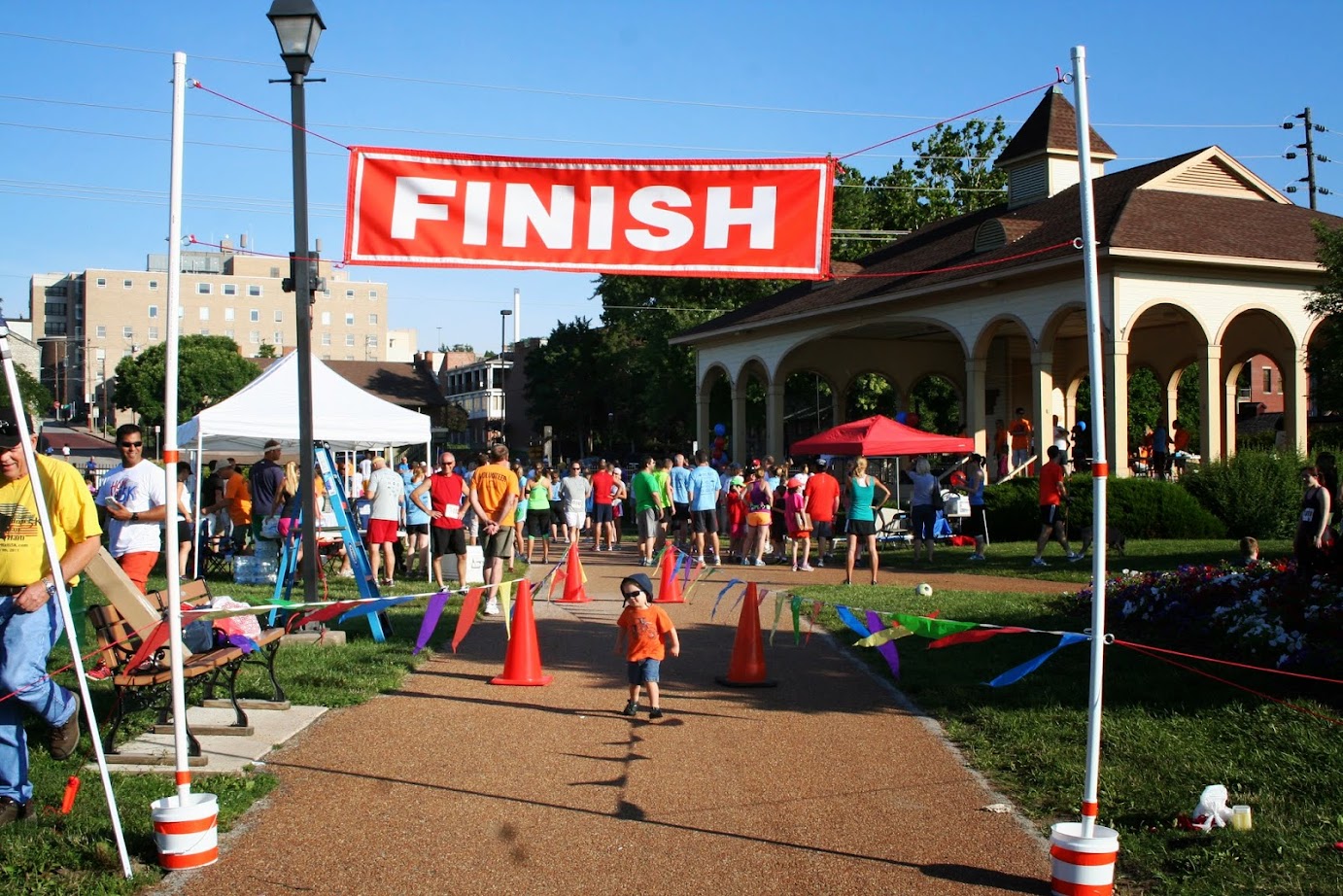
Planning Guide
When to Do What
A rough timeline for first-time and returning race directors.
8+ Months Out
Lock the venue and course. Confirm your charity partner and fundraising goal.
6 Months Out
Create your event on RaceMission. Open registration and secure early sponsors.
4–8 Weeks Out
Recruit volunteers, ramp up marketing, and finalize logistics.
Race Week
Assign bibs, brief volunteers, confirm participant counts, prep timing equipment.
Race Day
Check in athletes, run timing, coordinate volunteers in real time.
Post-Race
Publish results, send thank-you emails, distribute funds to your cause.